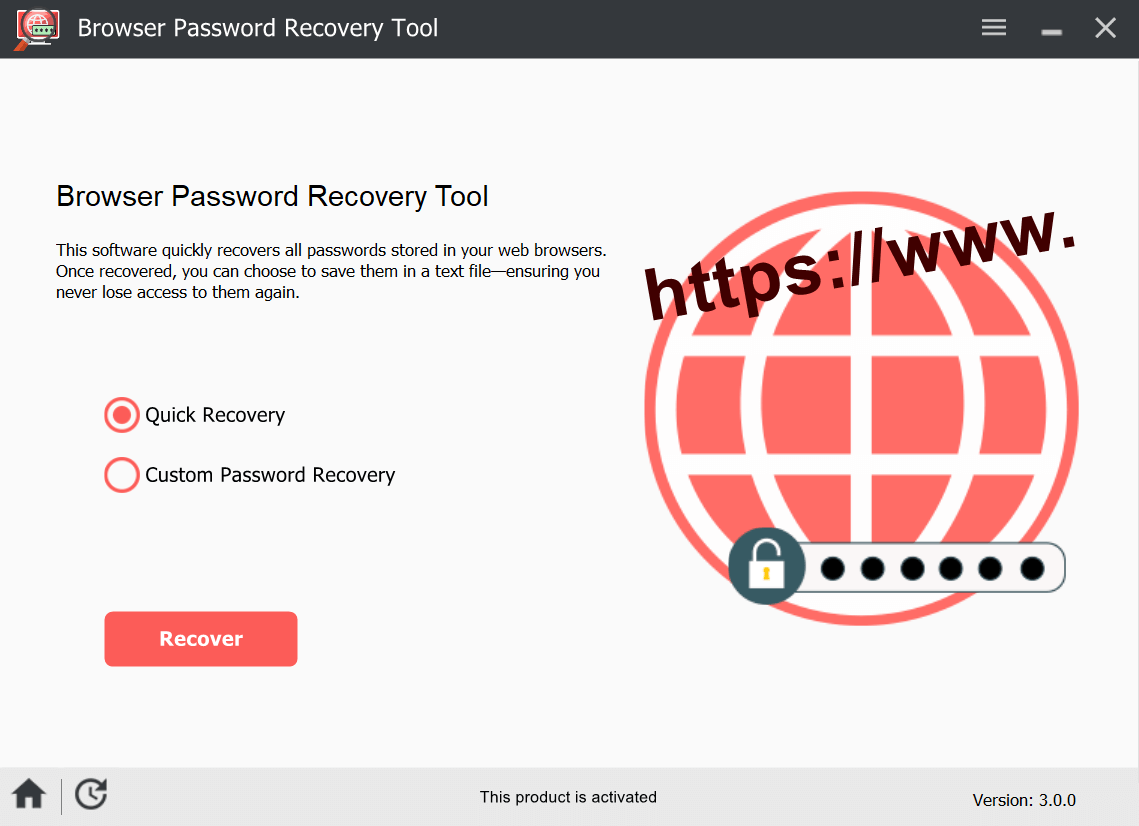
Back up all saved logins from Chrome, Edge, Firefox and 70+ browsers to a secure CSV file — before reinstalling Windows or moving to a new PC.
Browsers encrypt saved logins using keys tied to your Windows user profile. When you reinstall Windows, that profile is permanently deleted — and every saved password becomes inaccessible, even if you kept the browser files.
Browser Password Recovery Tool reads the encrypted login database, decrypts it using your current profile, and exports all saved usernames and passwords to a portable backup file you can use on any PC.
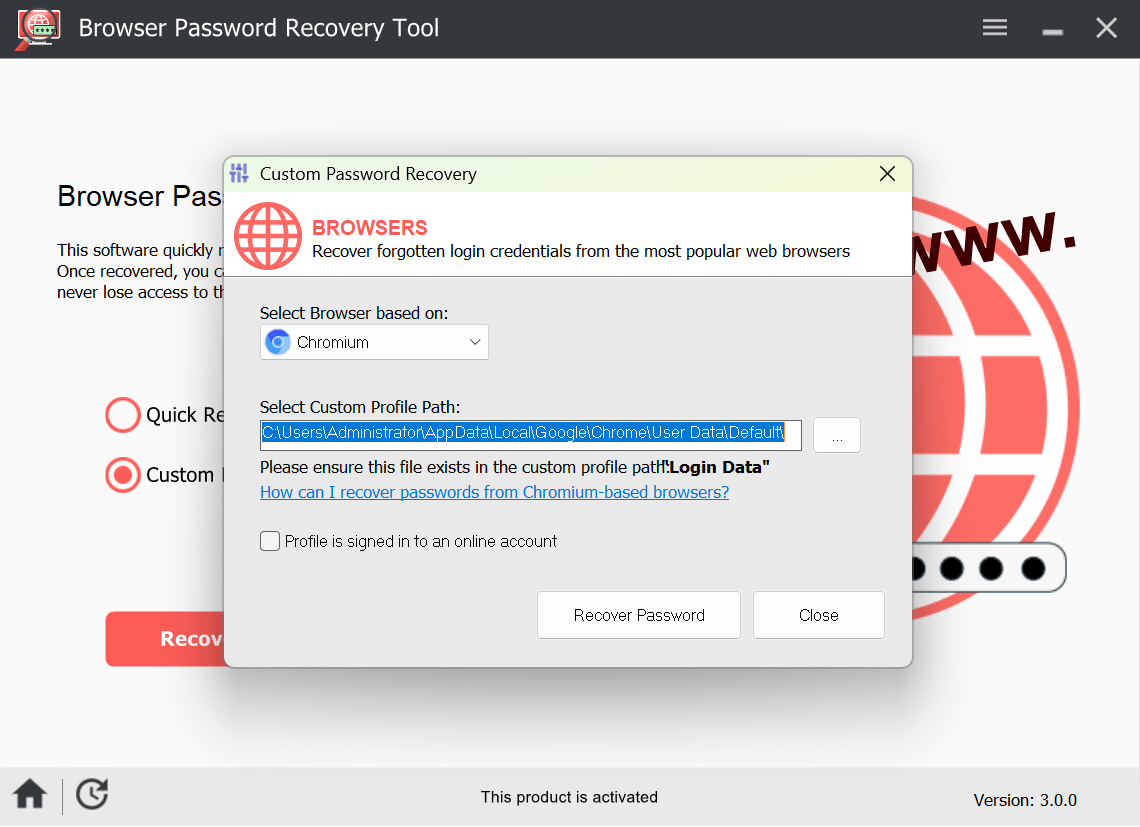
Automatic detection finds installed browsers. Custom Recovery mode handles any Chromium or Firefox-based variant.
Export all saved website logins from Chrome to CSV — importable directly via Chrome Settings → Autofill → Passwords → Import.
Export Edge saved passwords — both Chromium-based Edge and the Legacy version are fully supported.
Firefox doesn't have a built-in CSV export — this tool fills the gap, exporting all saved logins in a standard format.
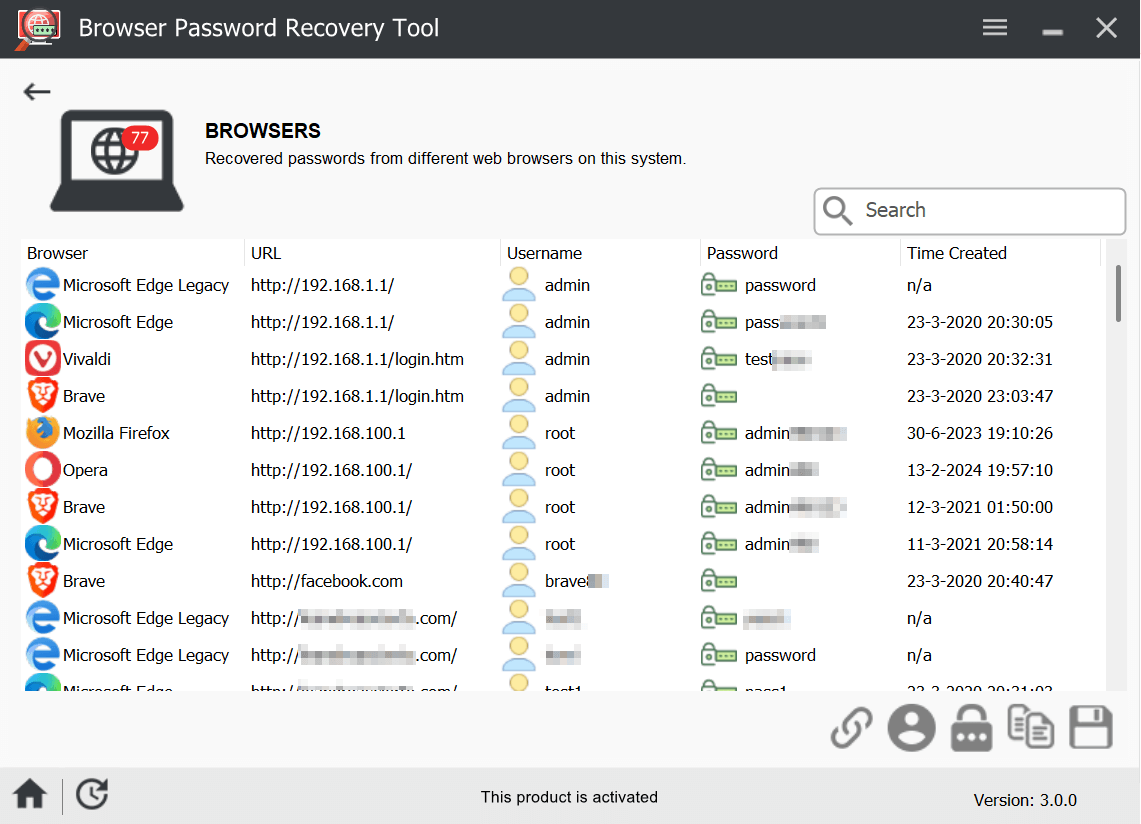
All Chromium-based browsers are supported. Brave, Opera, Vivaldi and similar browsers are automatically detected.
Custom Recovery mode lets you point to any Chromium or Firefox profile folder — supports niche and custom browser installations.
Export recovered passwords in multiple formats — import directly into Chrome or Edge, or keep as a secure offline reference.
After a clean Windows install, browsers can no longer decrypt your saved passwords — the encryption keys tied to the old profile are gone. The only way to keep all your saved logins is to export them before formatting.
Browser Password Recovery Tool reads the encrypted login database from each browser and decrypts it using your current Windows profile — producing a clean, importable backup file.
Browsers have limited built-in export. Here's what each approach covers.
| Feature | Manual browser export | Browser Password Recovery Tool |
|---|---|---|
| Export Chrome passwords to CSV | ✓ Supported | ✓ Supported |
| Export Edge passwords to CSV | ✓ Supported | ✓ Supported |
| Export Firefox passwords | ⚠ No CSV export | ✓ Supported |
| Export from 70+ Chromium browsers | ✗ Not supported | ✓ Supported |
| Export all browsers in one step | ✗ One browser at a time | ✓ All at once |
| Browser needs to be running | ✗ Yes | ✓ No |
| Export to TXT and HTML | ✗ CSV only | ✓ CSV, TXT & HTML |
Manual export works for a single browser. For a full backup across all browsers before a format, a dedicated tool is faster and more complete.
Browser Password Recovery Tool is digitally signed and continuously maintained. All decryption happens on your machine — no passwords are transmitted, uploaded or stored externally at any point.
From download to exported backup in under two minutes.
Select which browsers to scan or use automatic detection to find all installed browsers with saved passwords on your PC.
→Instantly see all recovered website URLs, usernames and passwords in a sortable results table. Trial shows passwords partially masked.
→Export to CSV, TXT or HTML. Copy to USB before reformatting. Import back into Chrome or Edge on your new installation in one click.
The trial scans and shows passwords partially masked — upgrade to export the full results.
⚠ Once you format, recovery is permanently impossible — export your data first.
Buy Now — $19.95System requirements: Windows Vista · 7 · 8 · 8.1 · 10 · 11 · 256MB RAM · 20MB free space
Need browser passwords and WiFi keys too? Advanced Password Recovery Suite includes everything in this tool plus 4 more credential types — for just $5 more.
See APRS — from $24.95 →Based on 142 verified reviews
"Had hundreds of saved logins in Chrome and Edge. Exported everything to CSV in two minutes before formatting. Imported straight back into Chrome on the new PC. Perfect."
"The Firefox support is what sold me — Chrome and Edge have built-in export but Firefox doesn't. This tool handled all three at once and the CSV was clean and importable."
"Used the custom recovery mode to get passwords from Brave. Works exactly as described. Saved me from resetting dozens of accounts after my SSD was replaced."