Backup passwords and license keys before reinstalling Windows
Reinstalling Windows permanently deletes your saved passwords, software license keys and WiFi credentials. Most people only realise after it's too late. Export everything in minutes — before you format.
Reinstalling Windows deletes everything stored in your user profile — including all credentials encrypted with your Windows installation's keys. None of it transfers automatically after a format.
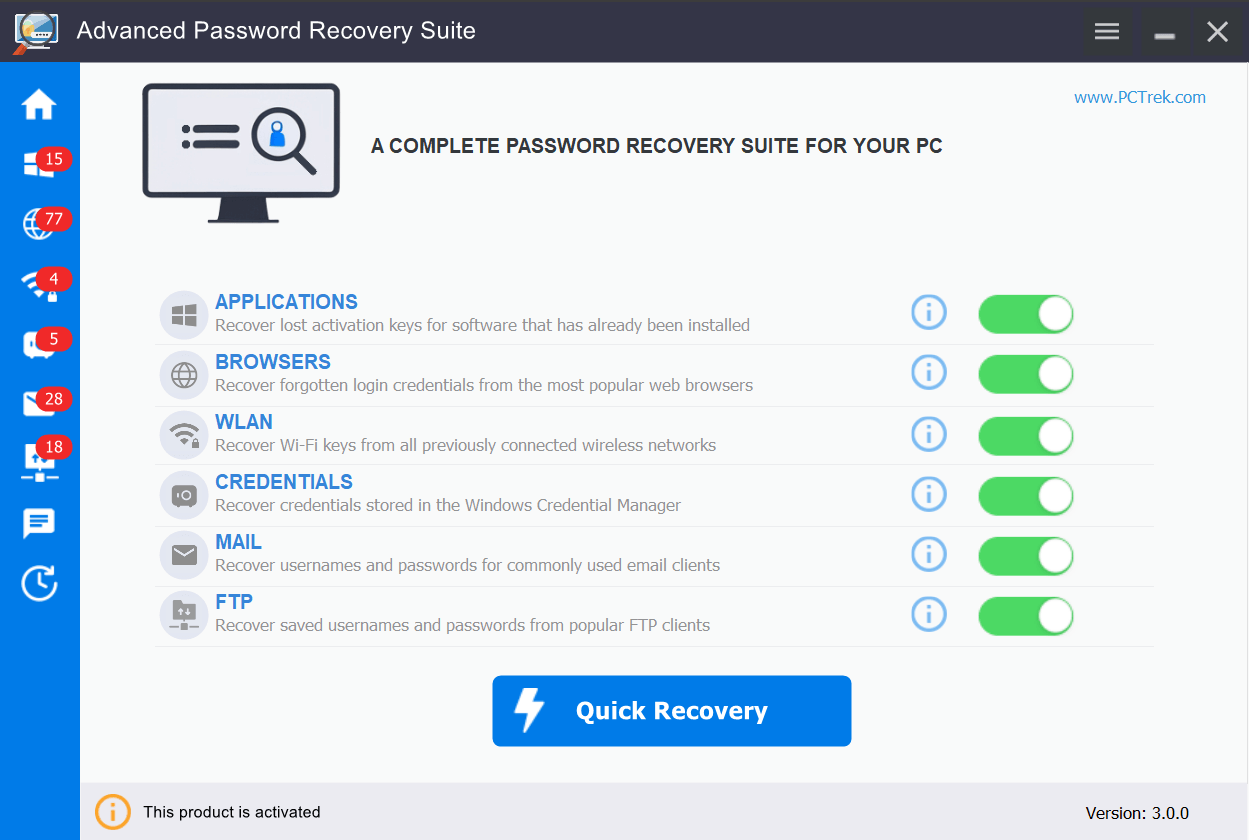
PC Trek tools scan all credential storage locations before you format and export them to portable backup files, so nothing is lost during the transition.
Software license keys — Windows, Office, Adobe and thousands of programs stored in the registry
Browser passwords — Chrome, Edge, Firefox saved logins encrypted with your Windows profile
WiFi network keys — every saved wireless network password deleted with the old installation
Email & FTP credentials — Outlook, Thunderbird, FileZilla logins all stored locally, not in the cloud
BitLocker recovery keys — the key you need to unlock an encrypted drive after a reinstall or hardware change
Our tools
Choose what you need to backup
Each tool is designed for a specific type of credential — or get all three in APRS.
The complete solution. Backup browser passwords, WiFi keys, email logins, FTP credentials, software license keys and BitLocker recovery keys in one scan. New in v4.0.0:BitLocker recovery key finder.
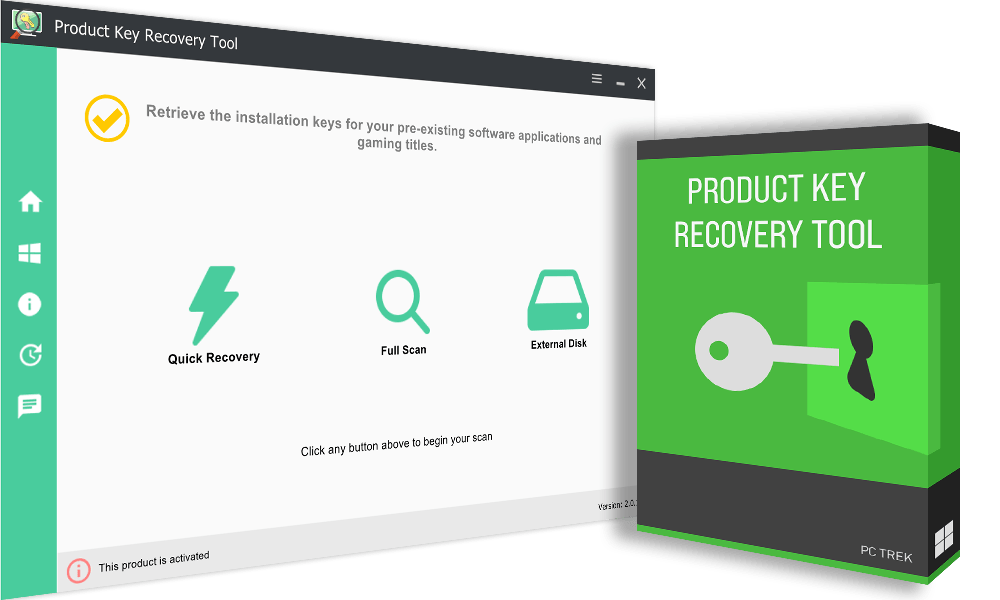
Scan your PC or old drives to find Windows, Office, Adobe and 10,000+ software license keys. Also reads keys from external, non-bootable or corrupted drives. New in v3.0.0:BitLocker recovery key finder.
Export saved website logins from Chrome, Edge, Firefox and 70+ browsers to a CSV backup file before reinstalling Windows or switching to another computer.
Download, scan, export. Done before your reinstall begins.
1
Download & install
Get the free trial and install on your Windows PC. No registration needed. The trial shows all recoverable items so you can verify before purchasing.
→
2
Scan your system
Choose which credential types to recover — or run a full scan. The tool automatically searches all relevant locations in Windows and displays everything found.
→
3
Export & backup
Export all recovered credentials to CSV, TXT or clipboard. Copy to USB or cloud storage. Your passwords, keys and logins are safe before your reinstall begins.
When to use PC Trek
Common scenarios where these tools help
Before formatting your PC
Backup software keys to avoid repurchasing, and export browser passwords so nothing is lost.
New PC setup
Transfer all accounts and move licenses to a new computer without resetting a single password.
Lost WiFi password
Extract saved wireless network keys from Windows without resetting your router.
Hardware failure recovery
Connect an old drive to a new PC and extract keys and passwords even if the drive won't boot.
IT & system administration
Audit software licenses across machines and create inventories before bulk Windows upgrades.
Forgotten passwords
Recover email client credentials, FTP logins or browser passwords you no longer remember.
What users say
Real users, real results
★★★★★
"Was about to format Windows 11 and realized I didn't have my license key. PC Trek extracted my Windows activation code in seconds. Saved me from buying a new license."
AT
Alex T.
System Administrator
★★★★★
"Got a new laptop and needed my saved logins. PC Trek helped me export Chrome credentials and WiFi passwords to my new computer seamlessly. Zero accounts to reset."
SR
Sam R.
Graphic Designer
★★★★★
"After my hard drive failed, I thought I lost thousands in software. PC Trek helped me extract license keys for Adobe and Microsoft Office from my old drive. Incredible tool."
Free trial available for all tools. No credit card required.
Featured in leading technology publications
FAQ
Frequently asked questions
Yes. Reinstalling Windows permanently deletes saved browser passwords, WiFi network keys and software credentials stored in your user profile. They are encrypted with keys tied to your Windows installation. After a clean install, the encryption is gone and the data cannot be recovered. Export them before formatting using a dedicated backup tool.
Yes, in most cases. Paid software stores activation data in the Windows registry. A clean install wipes that registry. If you didn't save the key beforehand, you may need to repurchase or recover through the vendor. Software tied to an online account (like Office 365) reactivates automatically — locally activated software requires a saved product key.
Browser passwords (Chrome, Edge, Firefox), WiFi passwords, software license keys (Windows, Office, Adobe, games), email credentials (Outlook, Thunderbird) and FTP logins (FileZilla, WinSCP). PC Trek tools handle all of these. Files and documents need a separate backup solution.
Yes. All PC Trek tools have free trial versions. The trials scan your system and show what can be recovered with passwords partially masked — so you can verify your data exists before purchasing to unlock the full export.
Yes, completely. All PC Trek tools run locally on your computer with no internet connection required. They use read-only access and never modify or delete any files. Every tool is digitally signed with a verified publisher certificate.
Yes — Advanced Password Recovery Suite (v4.0.0+) and Product Key Recovery Tool (v3.0.0+) can find the BitLocker recovery key for an unlocked drive or volume when the key is stored locally. They can't retrieve a key stored only in a Microsoft account or Active Directory.