Software license key backup

Find & save license keys
before reinstalling Windows

Scan your PC or old drives to recover Windows, Office, Adobe and 10,000+ software activation keys — before you format and lose them permanently.

Runs 100% offline No data transmitted Lifetime license Windows XP – 11
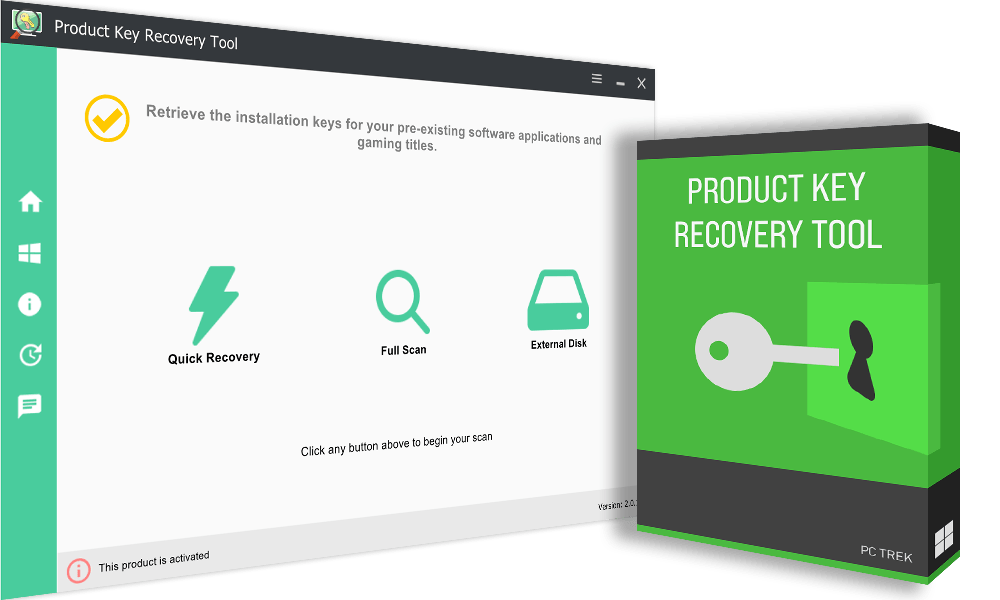
🔑 License Finder Product Key Recovery Tool showing recovered Windows, Office and software license keys
Digitally signed Read-only access 10,000+ programs supported Scans external & damaged drives 8+ years maintained

Your license keys disappear
when you reinstall Windows

Software activation keys are stored in the Windows registry. A clean install wipes the entire registry — Windows, Office, Adobe and every locally activated program loses its key permanently. If you didn't save it beforehand, repurchasing or lengthy account recovery are your only options.

Product Key Recovery Tool scans your current installation and exports all stored activation keys before you format — and can also read keys from old, non-bootable or damaged drives connected to your PC.

Windows & Office Keys Adobe & Creative Tools Classic Game Keys External Drive Recovery
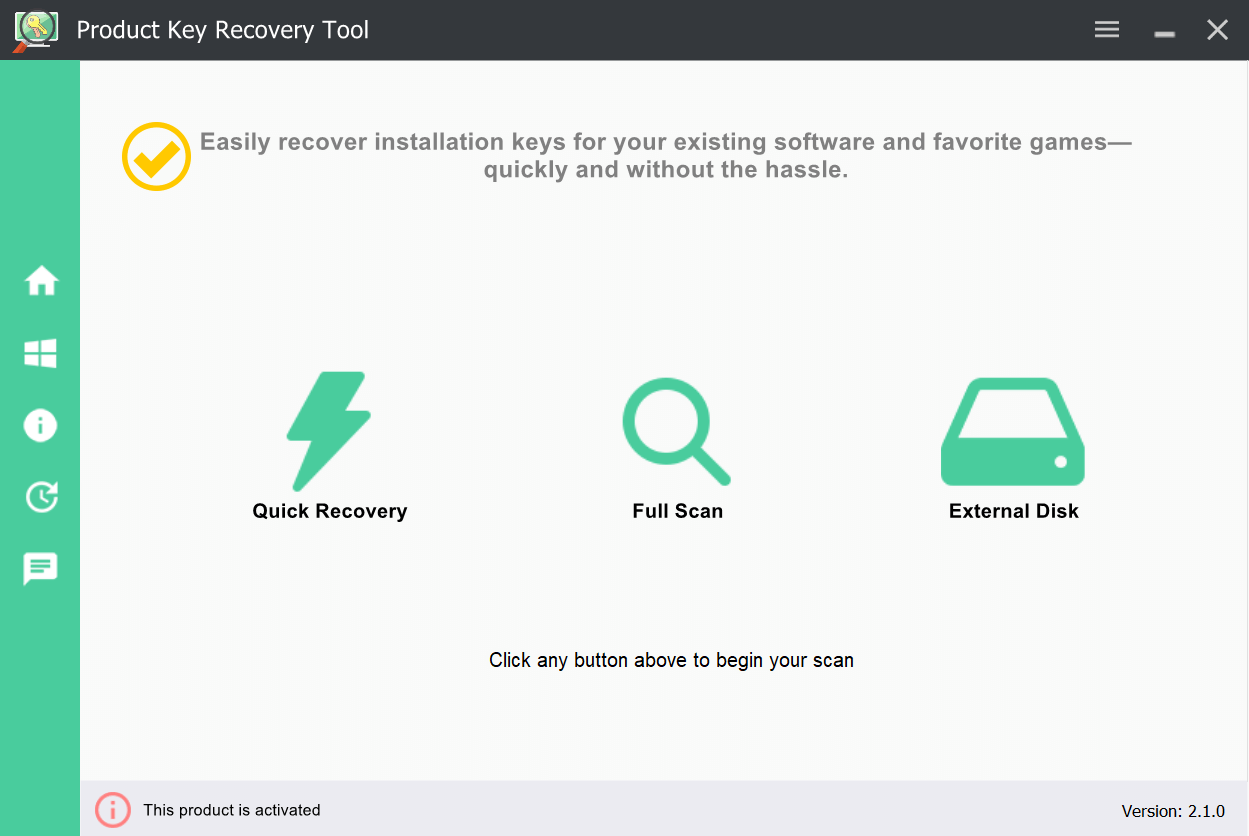
Product Key Recovery Tool main interface showing recovered software license keys

Every type of license key, one scan

All processing stays local — nothing transmitted, nothing modified.

Windows & Microsoft Office

Extract your Windows activation key and all Microsoft Office versions — 2007 and beyond.

Adobe & Creative Software

Photoshop, Illustrator, Premiere, InDesign and other Adobe products stored locally in the registry.

Professional Software

AutoCAD, CorelDRAW, VMware, WinZip, TechSmith and thousands of professional tools and utilities.

Classic Game Keys

Battlefield, Command & Conquer, Need for Speed and hundreds of older game titles stored in the registry.

External & Damaged Drives

Connect an old, non-bootable or corrupted drive and scan it — recover keys even after a system failure.

Security & Antivirus

Antivirus, VPN and firewall application license keys stored in the Windows registry across all versions.

Recover Windows, Office, Adobe
and 10,000+ program keys

The registry stores activation codes for virtually every installed program. Product Key Recovery Tool uses deep-registry scanning to locate keys that basic tools miss — including legacy software, older games and programs no longer sold anywhere.

For classic games and older software with no account-based reactivation, the registry key is the only path back. Save it before you format.

  • Windows & Office — all versions from Microsoft XP through Windows 11
  • Adobe products — Creative Suite, Photoshop, Illustrator, Premiere and more
  • 10,000+ titles detected — professional software, utilities, security tools and games
  • Export to text or CSV — clear backup listing every program name and its activation code
  • Deep registry scan — finds keys that other tools miss using advanced hive scanning
Product Key Recovery Tool recovering Windows, Office, Adobe and game license keys from registry

Recover keys from old, dead
or non-bootable hard drives

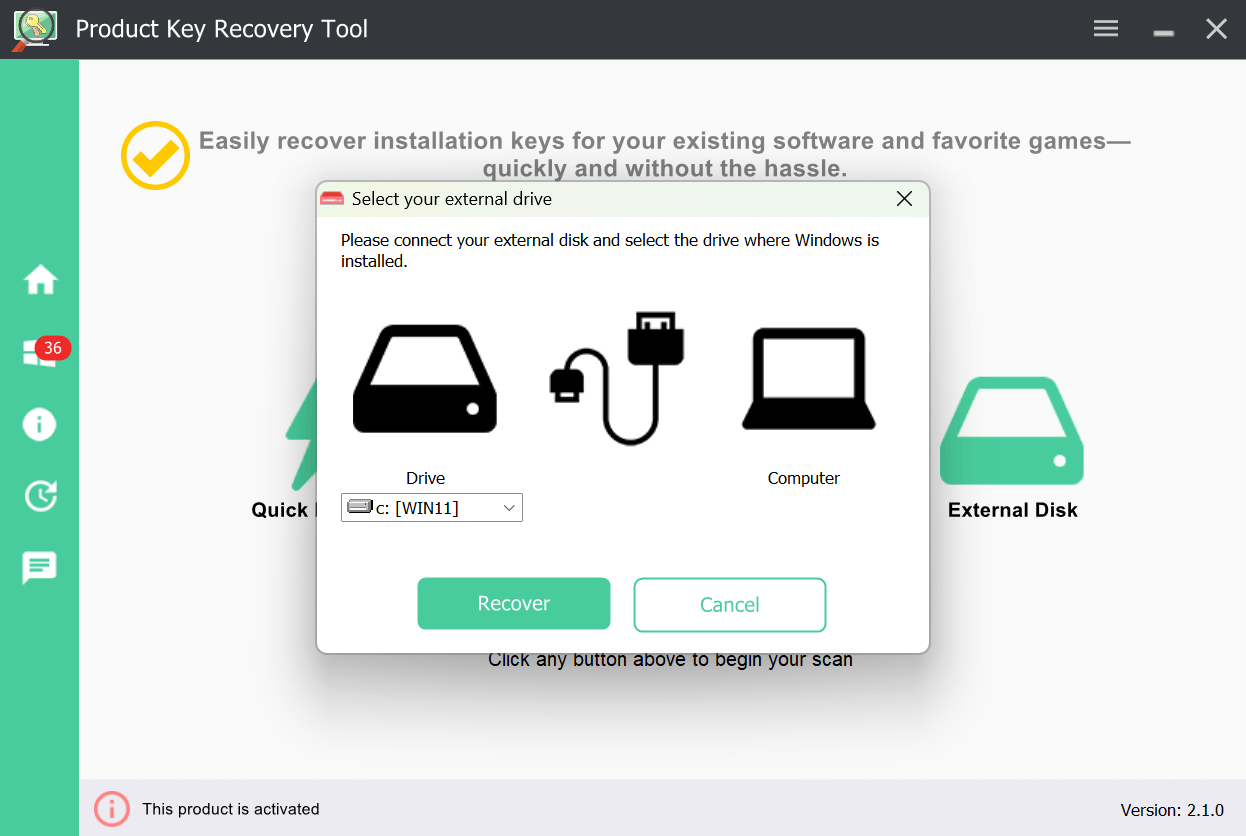
If your PC has already failed or you need to recover keys from an old installation, Product Key Recovery Tool can scan any connected Windows drive — even if it won't boot. Connect via USB enclosure or SATA adapter and scan directly.

This is the only recovery path after a hard drive failure or accidental format, and works even on partially corrupted drives as long as the registry hive is readable.

  • Non-bootable drives — recover keys from a Windows installation that won't start
  • Corrupted or damaged drives — deep scan attempts recovery even from damaged registry hives
  • Any connection type — USB enclosure, SATA adapter or direct internal connection
  • Old installations — scan a previous Windows drive without booting from it
Product Key Recovery Tool external drive selection interface for recovering keys from non-bootable drives

Digital license vs product key — know before you reinstall

Many Windows 11 users aren't sure which type of activation they have. It matters — one requires saving a key, the other doesn't.

☁ Digital License

Tied to your Microsoft account and hardware. Windows reactivates automatically after reinstall when you sign in with the same account. No product key needed.

Common on: PCs pre-installed with Windows 10/11, free upgrade from Windows 7/8/10

🔑 Product Key

A 25-character key required to reactivate after reinstall. Must be saved before formatting — once the registry is wiped, it's gone.

Common on: Retail boxed copies, volume licensing, OEM keys not in BIOS firmware

Not sure which type you have? Product Key Recovery Tool tells you exactly. If you have a product key, it shows the full 25-character code. If you have a digital license, it confirms that — so you know you're safe to reinstall without saving anything.

Windows Digital License vs Product Key — Complete Guide →

100% safe & local

Product Key Recovery Tool is digitally signed and continuously maintained. Everything runs on your machine — no keys transmitted, uploaded or stored externally.

  • Verified publisher certificate
  • No internet connection required
  • Read-only — never modifies files
  • No background services or drivers
  • Keys never leave your computer
  • Used by IT professionals worldwide

3 steps to a complete key backup

From download to exported backup in under three minutes.

1

Scan your system

Run the tool on your current installation or connect an old drive. It scans the registry and detects installed software, games and Windows activation data automatically.

2

Review found keys

Instantly see all recovered product keys organized by software name and version. The trial shows keys partially masked — upgrade to view the full key.

3

Export & backup

Export all recovered keys to text or CSV. Save to USB before your reinstall — every key is ready for reactivation on your fresh Windows installation.

Important: Run the scan before formatting. Once Windows is reinstalled the registry is wiped permanently — there is no recovery path after the fact.

See it in action

Click any image to enlarge.

Main interface

Main interface

Software keys

Software & game keys

External drive scan

External drive scan

Try free, upgrade when ready

The trial scans and shows keys partially masked — verify they exist before purchasing.

Free Trial
$0
No time limit
  • Full system scan
  • Shows exactly what you'd lose after formatting
  • Keys masked — upgrade to export before it's too late
  • Save & export locked
Download Free Trial

v2.1.0 · .zip · History

Pro License
$39.95$64.95
Lifetime · up to 5 PCs
  • Everything in Basic
  • Activate on up to 5 PCs
  • Priority support
  • Free updates included
Buy Now — $39.95

Business license (99 PCs) →

System requirements: Windows XP · Vista · 7 · 8 · 8.1 · 10 · 11  ·  256MB RAM  ·  20MB free space

Need browser passwords and WiFi keys too? Advanced Password Recovery Suite includes everything in this tool plus 4 more credential types — for just $5 more.

See APRS — from $24.95 →
★★★★★

4.7 out of 5

Based on 89 verified reviews

★★★★★

"My PC crashed and I thought I'd lost my Windows and Office keys forever. Connected the old drive, ran this tool, and had them both in 30 seconds. Incredible."

TH

Tom H.

Verified buyer · Home User

★★★★★

"Use this before every Windows reinstall for clients. Finds keys for software they've forgotten they even had. The external drive scanning feature is particularly useful."

JP

James P.

Verified buyer · PC Repair Technician

★★★★☆

"Found keys for software I bought years ago that I couldn't locate the original emails for. Saved me from repurchasing two programs. Simple and fast."

AN

Anna N.

Verified buyer · Small Business Owner

Frequently asked questions

Scans your system or connected drives to locate and recover license keys for installed software and games using advanced registry scanning — including keys from external and non-bootable drives.
Download and run the tool on your current Windows installation before formatting. It reads the activation key from your registry and exports it — preventing the need to purchase a new Windows license after reinstalling.
Yes. Connect the old drive to a working PC via USB enclosure or SATA adapter, select it in the tool, and it scans the registry hive directly — works even if the drive won't boot, as long as the registry files are readable.
No. After Windows is reinstalled the registry is permanently wiped. Keys must be saved before formatting. That's why running this tool before any system change is critical.
Yes. All versions of Windows (XP through 11) and Microsoft Office are fully supported. The full 25-character key is displayed and exportable once you have the paid version.
No. The tool only reads and displays keys already stored on your own computer. It cannot generate keys, crack activation, or access anything you don't already have legitimate access to.
Over 10,000 programs and games — Microsoft Windows and Office, Adobe products, WinZip, VMware, TechSmith, AutoCAD, CorelDRAW, classic games including Battlefield, Command & Conquer and Need for Speed. See the complete supported software list.
Yes, completely. Read-only access only. Works fully offline. Digitally signed with a verified publisher certificate. No bundled software, no background services, no data transmission of any kind.
Download the free trial first — it scans your system and shows exactly what can be recovered before you pay anything. If the trial shows your data, the paid version will export it. If the trial finds nothing, don't buy. This way there's no risk.
More questions? Visit our full FAQ or contact support.